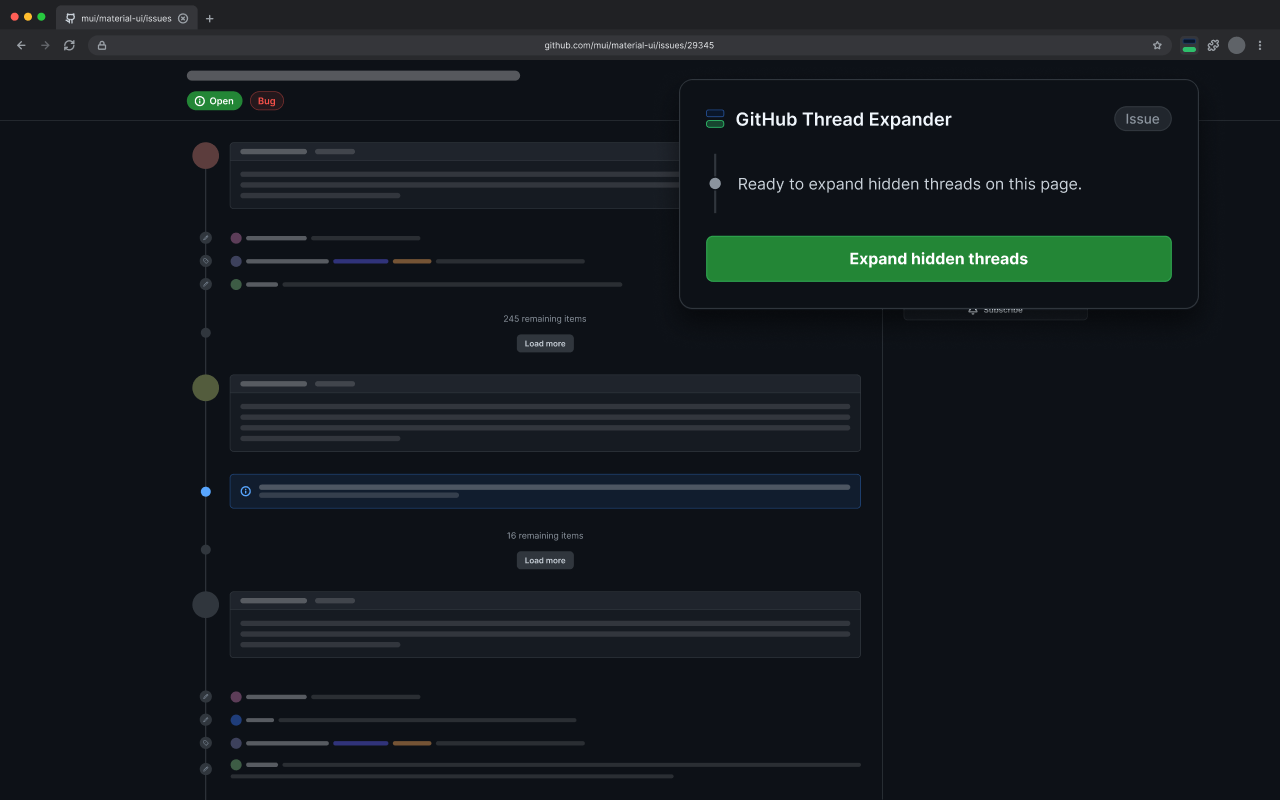
Expand hidden GitHub threads with less clicking.

Open comments, replies, and timeline items while the extension handles the repetitive clicking.

GitHub Thread Expander ready to expand hidden threads on a GitHub issue

How it works

See the discussion, skip the repetitive clicks.

Thread Expander finds hidden comments and replies, opens them in place, and keeps you updated while GitHub loads.

01

Open it where you are already working.

Thread Expander works on pull requests, issues, and discussions. It finds hidden threads automatically, with nothing to configure.

Pull requests Issues Discussions
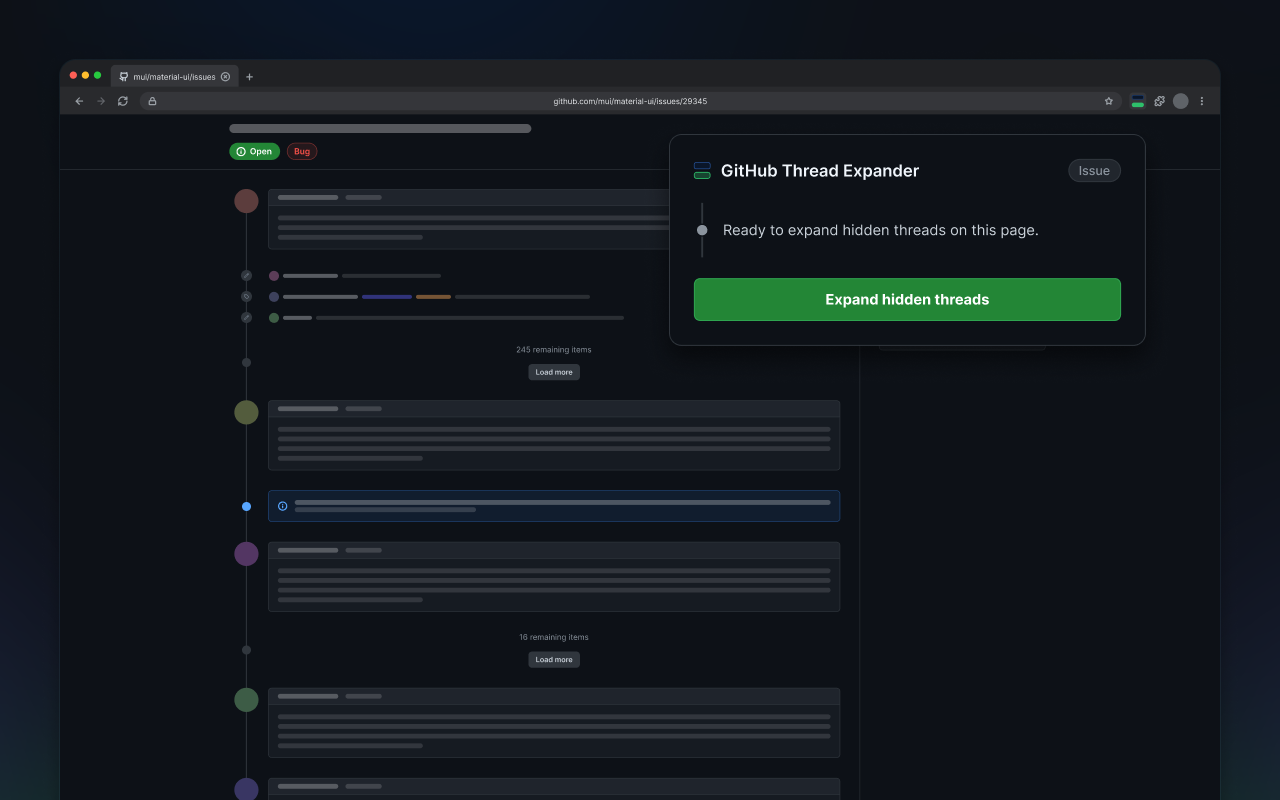
GitHub issue with Thread Expander ready to start
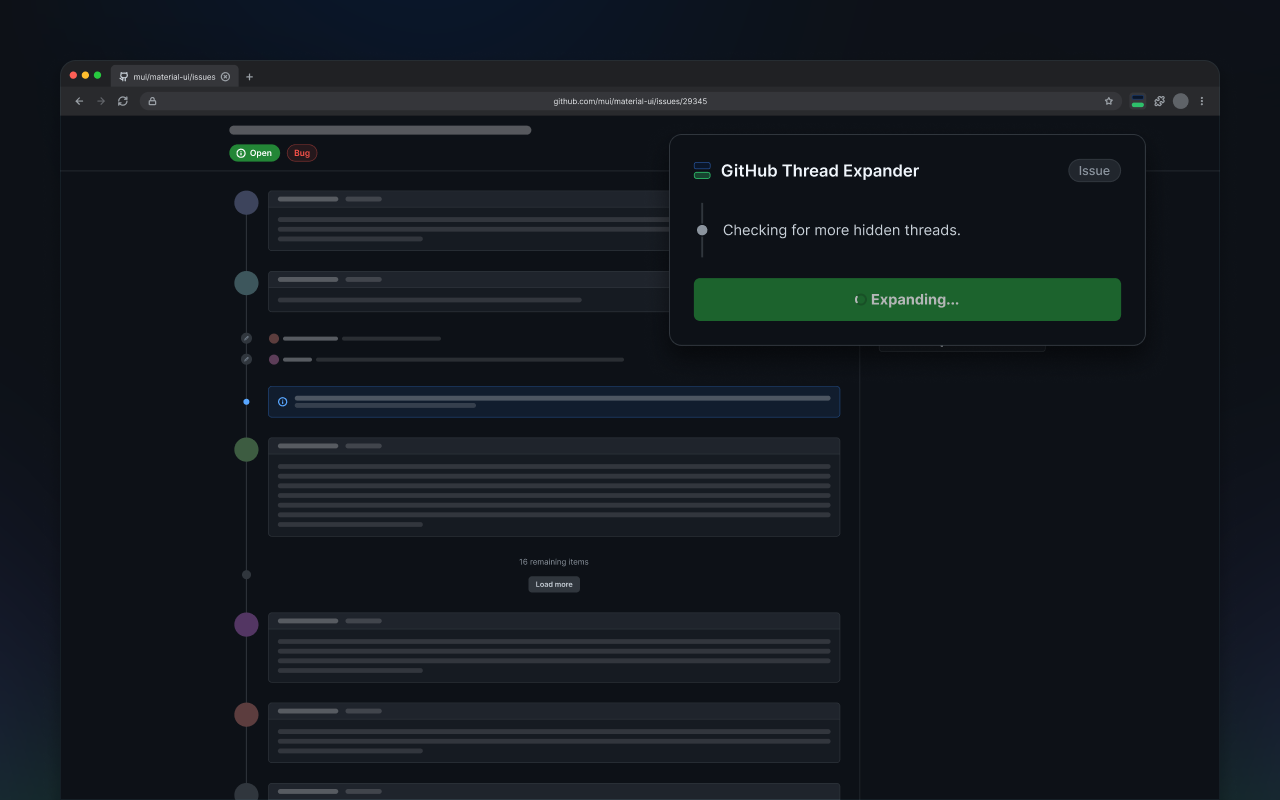
GitHub issue while Thread Expander checks for more hidden threads
02

Let it handle the repetitive clicks.

Thread Expander opens the hidden threads it finds and waits for GitHub to finish loading. It then checks the page again and continues when more hidden threads appear.

  • No repeated “Load more” clicks
  • Live progress in the extension popup
03

Read every reply in context.

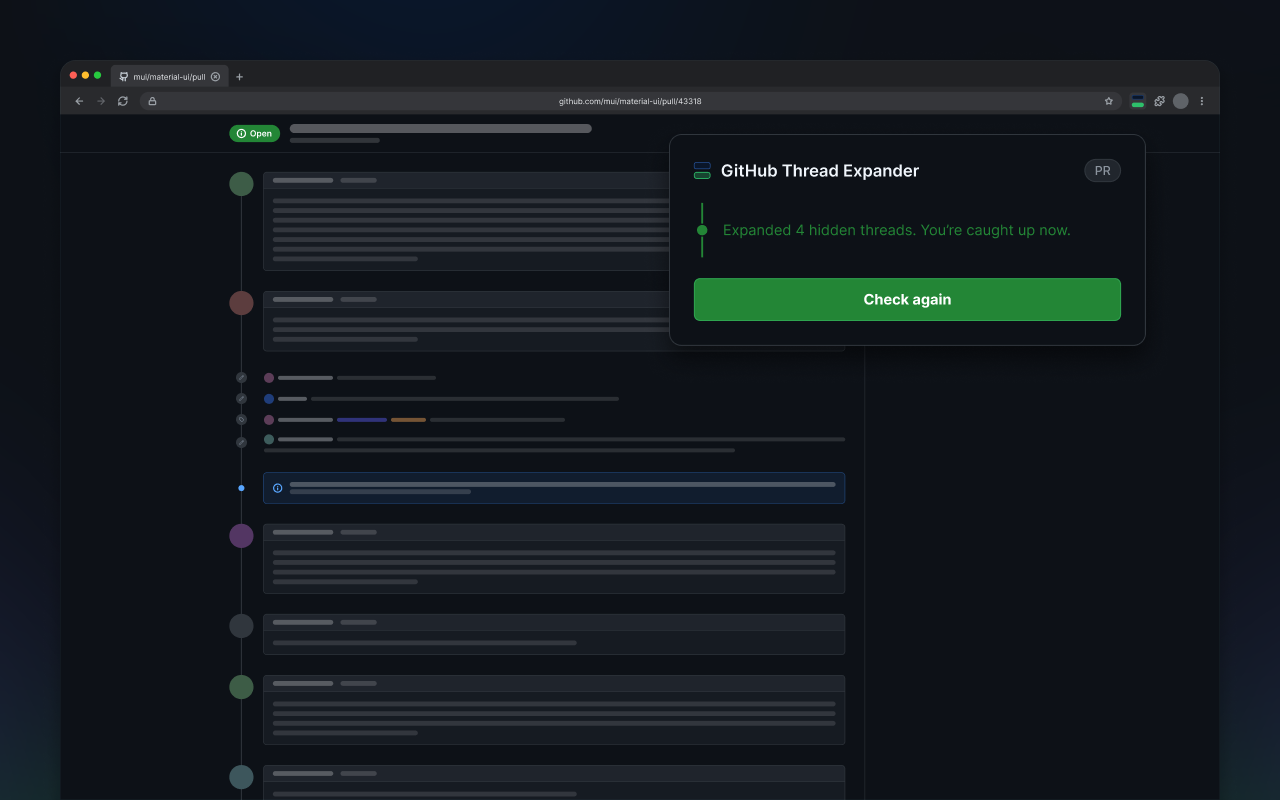
Expanded comments and replies stay where they belong, so you can follow the discussion without losing your place. Thread Expander also protects unsaved drafts and processes page information locally.

  • Unfinished comments and reviews stay protected
  • No analytics, tracking, or external servers
GitHub pull request after Thread Expander opened hidden threads

Ready to catch up?

Spend less time clicking through threads.

Open a supported GitHub conversation and let Thread Expander take care of the repetitive work.

Add to Chrome